

vet integrates with DefectDojo to export vulnerabilities, policy violations, and other findings. Each scan is reported as a new engagement in DefectDojo.
Prerequisites
Docker & Docker Compose
Required for running DefectDojo locally
DefectDojo Instance
Either local or cloud-hosted DefectDojo installation
Vet CLI
Install Vet following the quickstart guide
API Access
DefectDojo API key for authentication
Quick Setup with Docker
The steps below use Docker Compose to run DefectDojo locally and scan the demo-client-python repository as a worked example.Setup DefectDojo
1
Clone DefectDojo
Download the DefectDojo repository:
2
Start Services
Launch DefectDojo with Docker Compose:
This will take a while as it builds images and downloads dependencies.
3
Get Admin Password
Retrieve the admin password from the logs:
The initializer container runs migrations and creates initial data, which may take several minutes.
4
Access DefectDojo
Navigate to 
http://localhost:8080 and login with:- Username:
admin - Password: (from previous step)
Configure Your Project
1
Create Product
Create a new product called 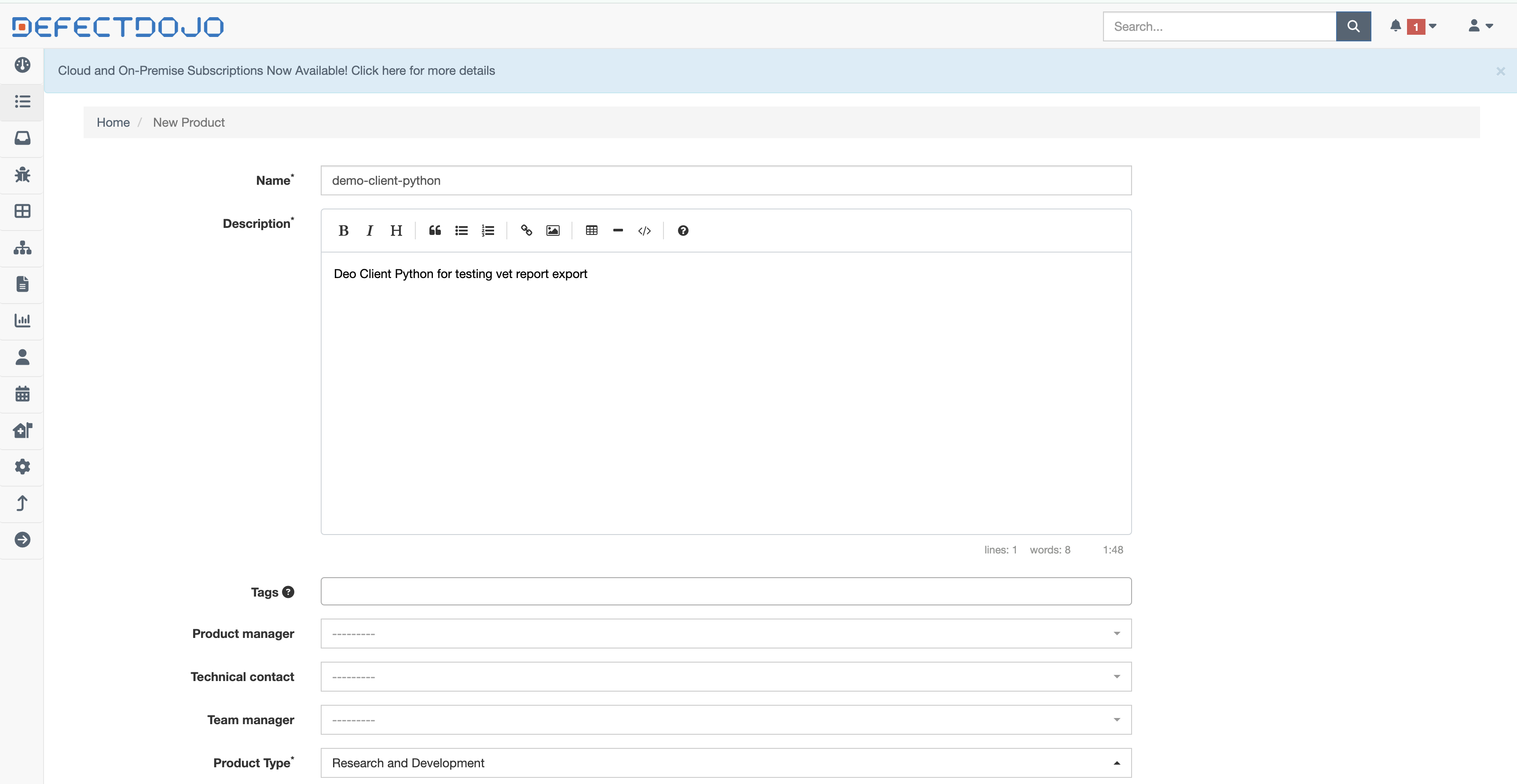
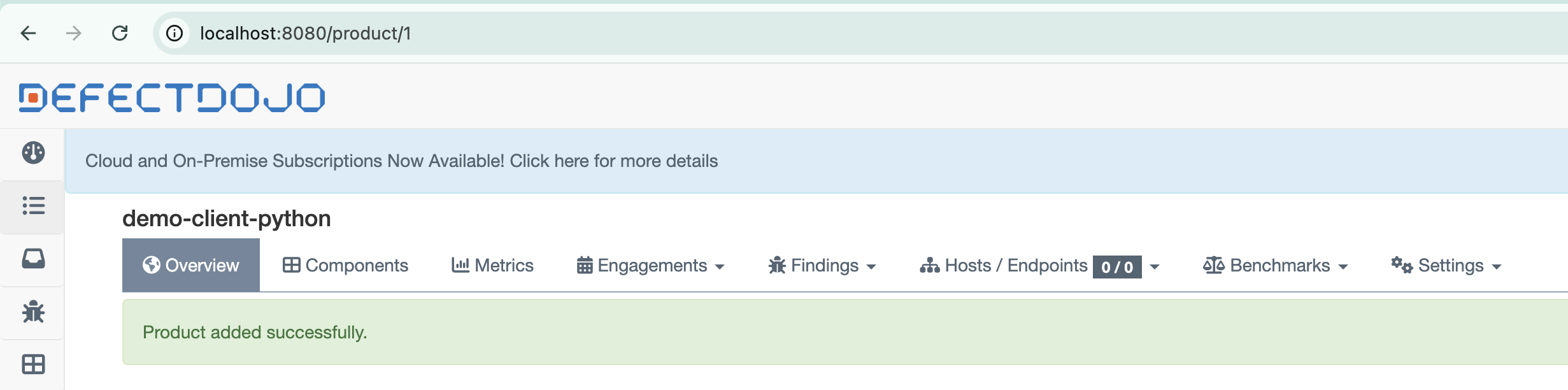
demo-client-python and note the product ID:2
Generate API Key
Navigate to
http://localhost:8080/api/key-v2 to generate an API key for Vet integration.3
Set Environment Variable
Configure the API key for Vet usage:
Scanning with Vet
Now you can scan a project and send results to DefectDojo:Advanced Configuration
Custom Policy Suites
Example policy suite for DefectDojo integration:CI/CD Integration
- GitHub Actions
- GitLab CI
Multiple Projects
For organizations with multiple projects, create separate products in DefectDojo:Troubleshooting
API Key Issues
API Key Issues
If authentication fails:
- Verify the API key is correctly set in the environment
- Check that the API key has sufficient permissions
- Ensure the DefectDojo URL is accessible from your environment
Product ID Errors
Product ID Errors
If the product ID is invalid:
- Verify the product exists in DefectDojo
- Check that you have access to the specified product
- Ensure the product ID is numeric, not the product name
No Findings Reported
No Findings Reported
If no findings appear in DefectDojo:
- Confirm that policy violations exist in your scan
- Check the Vet scan output for errors
- Verify the DefectDojo integration is properly configured
DefectDojo Documentation
Learn more about DefectDojo features and configuration
Policy as Code Guide
Create effective security policies for DefectDojo integration
Vet GitHub Issues
Track progress on enhanced DefectDojo integration features
Demo Repository
Use the demo repository to test your DefectDojo integration